Editor’s Disclosure
This article contains affiliate links. If you click on these links and make a purchase, we may receive a small commission at no additional cost to you. This helps support our work in providing independent technical reviews and news. We only recommend products and services that we believe add value to our readers. Learn more in our Privacy Policy.
Even with a Wi-Fi connection at home, sometimes the WiFi speed seems frustratingly slow.
Sometimes, one of the biggest reasons for slow internet speeds can be the location of your WiFi router. The farther away your device is from the router, the weaker the signal becomes. This can cause problems with things like streaming, online gaming, or video calling.
Proper router placement can significantly impact internet performance. TP-Link recommend positioning the router in a central location within the home to ensure even signal distribution. Elevating the device on a shelf or mounting it higher on a wall can also improve coverage. Routers should be placed in open spaces rather than inside cabinets or behind televisions and other large electronics, as physical obstructions and nearby devices can interfere with signal strength and reduce overall WiFi speed.
Many people think that just turning on the router will ensure you get the highest speed internet. But in the case of wireless connections, the matter is not so simple. Here the signal spreads through the air, and its strength also decreases as the distance increases. Therefore, it is important to place the router in a place from where the devices you use can easily receive the signal.
More Read: How to Recover Your WiFi Password if You’ve Forgotten It
In this case, the walls, floors, and heavy furniture in the house become major obstacles. The more solid objects there are between the router and the device, the more the signal will be damaged. Especially if used on another floor or in a distant room, the internet speed can be significantly reduced.
Many people hide their router behind a refrigerator, TV, or other electronic device. This further disrupts the signal. To avoid this problem, it is best to place the router in a high place in the middle of the house.
Placing the router in a high location ensures that the signal reaches the entire house evenly and reduces various types of interference. And if you use WiFi in a large house or office, it is easy to ensure good speeds in every corner by using a WiFi extender or repeater.
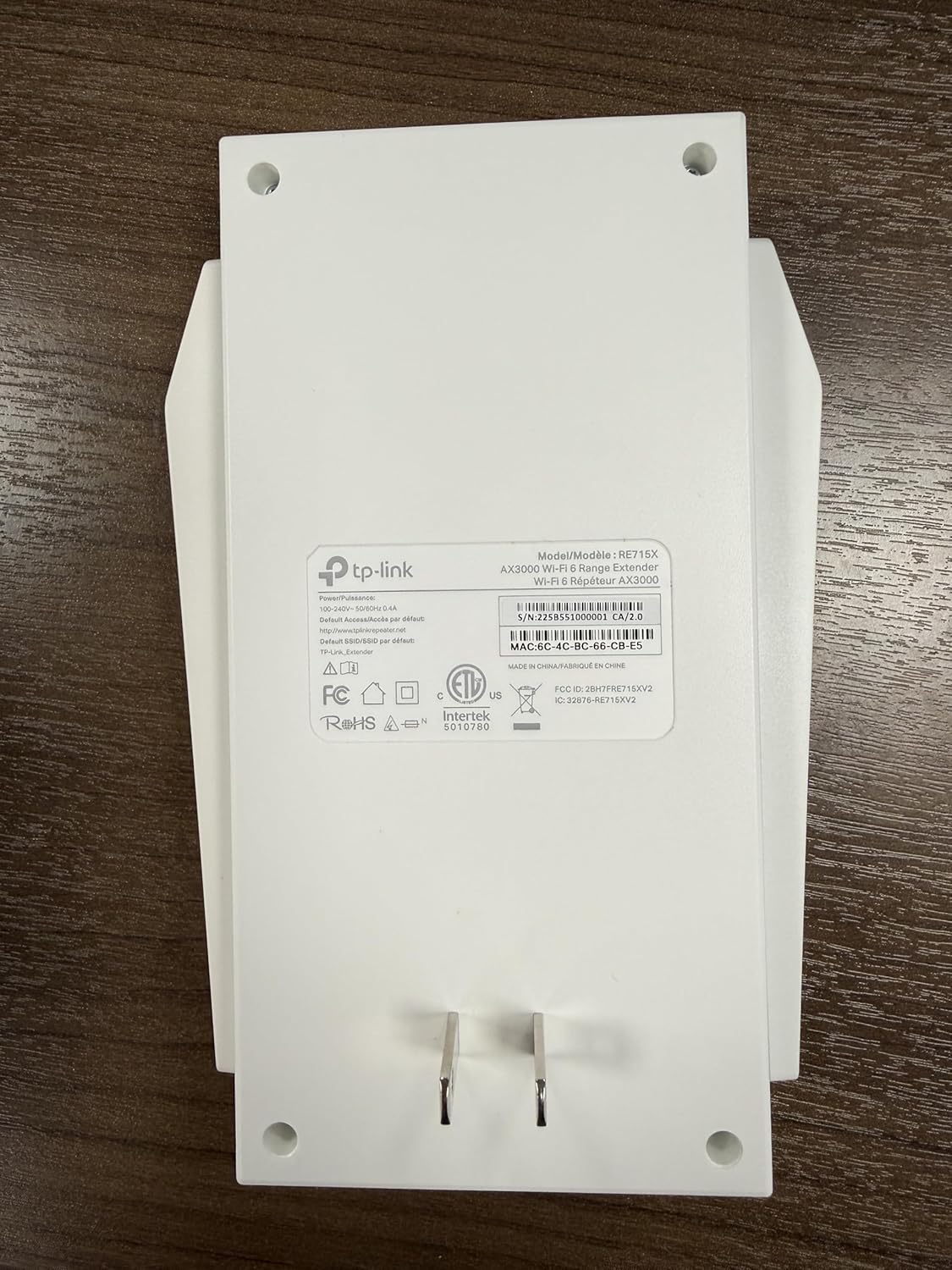
Extend your WiFi coverage with speeds up to 2404 Mbps (5 GHz band) and up to 574 Mbps (2.4 GHz band).
Pro-Tip for Full Speed: Most users simply plug in the AX3000 and use the ‘Tether’ app, but there is a hidden trick to unlocking its true potential. If you find your speeds are capped, log into the extender’s web management page (instead of just using the app) and manually set the 5GHz Channel Width to 160MHz. By default, many routers and extenders stay on ‘Auto’ or 80MHz to avoid interference, but forcing 160MHz allows the AX3000 to use its full ‘bandwidth highway,’ which is essential if you are gaming or streaming 4K video in a distant room.
Many people do not see an improvement in speed even after replacing the router, in fact, the router is not always the fault of the speed itself, but the components associated with it, such as the ethernet cables, often become weak, so even if you buy a new router, many times this problem cannot be solved, XDA also reported to pay attention to this matter. So before changing the router, always be careful with your small components.